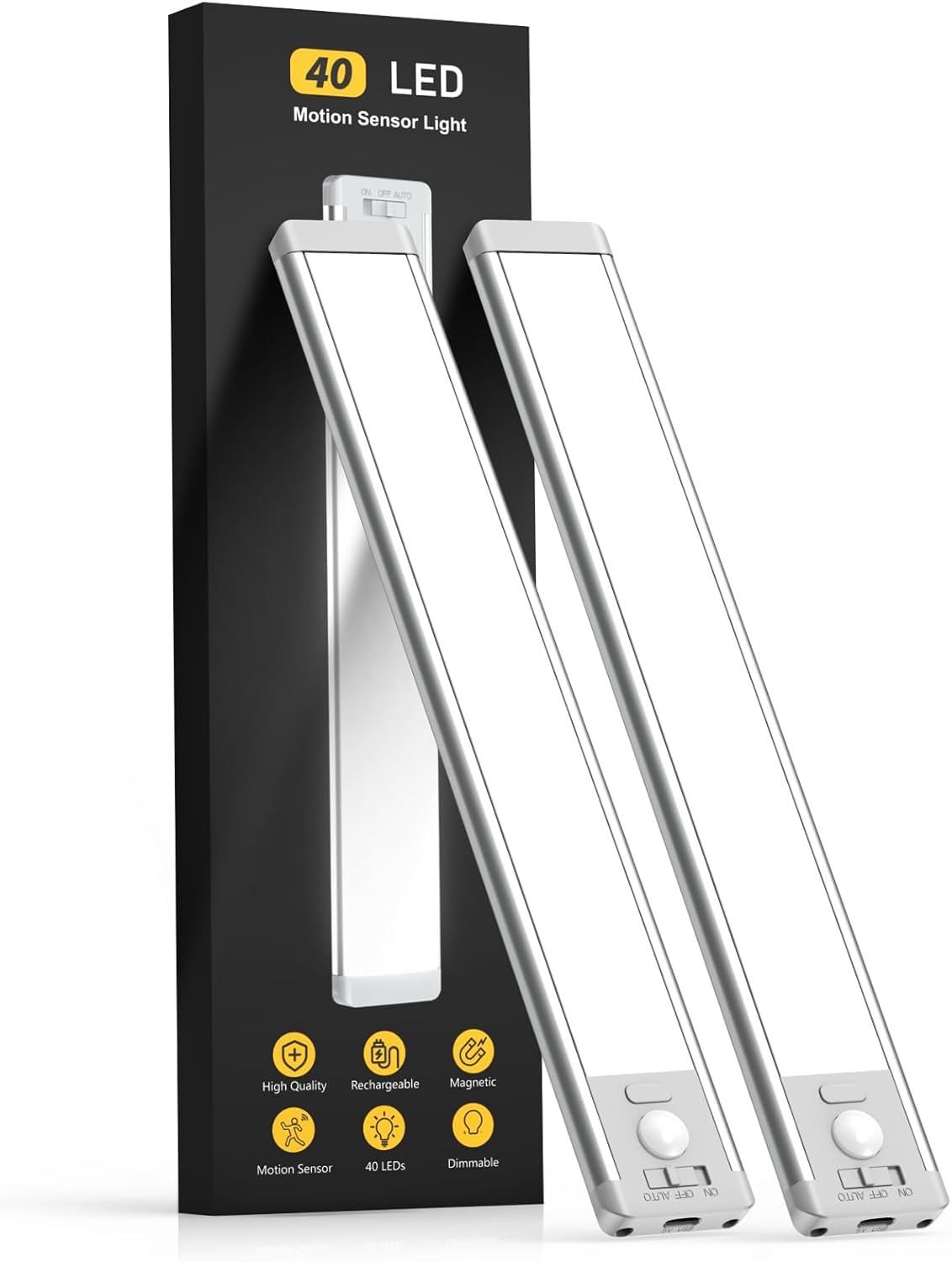
Dark cabinets, dim closets, and shadowy stairways are more than just annoying – they make it harder to find what you need and can even be a safety hazard. Running electrical wiring for traditional under-cabinet lights requires tools, time, and often an electrician. The MCGOR 10-inch Under Cabinet Lighting solves this problem with a completely wireless, rechargeable design that anyone can install in minutes.
What These Lights Actually Do
Each light bar packs 40 energy-saving LEDs behind a frosted cover that diffuses light evenly – no harsh hotspots or glare. The standout feature is the motion sensor: when set to motion mode, the lights automatically turn on when they detect human movement within a 120-degree angle and 10-foot range, but only in low-light conditions. This means they won’t waste battery during the day but will light up your path the moment you reach a dark stairway or open a closet at night.
For situations where you want continuous light – say, working at a kitchen counter – there’s also an always-on mode. The five-level dimming gives you control over brightness, which is a step up from the fixed-brightness models that dominate the lower price tiers.
How to Install Them (No Tools Required)
This is where the MCGOR lights shine – pun intended. The installation process is genuinely tool-free:
- For iron or steel surfaces: The built-in magnets snap directly onto any magnetic surface. Just hold the light bar where you want it and let go.
- For wood, drywall, or plastic: Use the included magnetic adhesive strips. Peel, stick the strip to your surface, and the light bar magnetically attaches to it.
- Positioning tips: For under-cabinet use, mount the light bar close to the front edge for the best forward illumination. For closets, place it near the top for even downward light.
- For stairs: Mount one light at the top and one at the bottom of a staircase, angled to cover the steps. The motion sensor will trigger as you approach.
When the battery runs low – the 1800mAh battery lasts several weeks in motion-sensor mode – simply pull the light bar off its magnetic mount and charge it with the included USB-C cable. No need to uninstall anything.
What Buyers Are Saying
With nearly 48,000 ratings and a 4.6-star average, this is one of the most reviewed lighting products on Amazon. The recurring themes in positive reviews are easy installation, bright and even illumination, and reliable motion detection. Many buyers mention using them in places they’d never considered lighting before – pantries, under stairs, inside tool chests, and even in RVs.
The most common criticism relates to battery life in always-on mode, which is expected given the 1800mAh capacity. In motion-sensor mode, most users report weeks between charges. A few users noted that the motion sensor range can be finicky in very cold temperatures, but this is typical of PIR sensors across all brands.
Pros and Cons
Pros:
- Tool-free installation with built-in magnets
- USB-C rechargeable – no batteries to replace
- Motion sensor with 120-degree, 10-foot range
- 5 brightness levels with frosted, glare-free cover
- 2-pack covers multiple areas at a reasonable price
Cons:
- Battery drains faster in always-on mode
- Motion sensor may be less responsive in cold weather
- Magnetic mount requires the included adhesive for non-metal surfaces
The Bottom Line
For $22, the MCGOR Under Cabinet Lighting 2-pack is one of the most cost-effective home upgrades you can make. The wireless design means there’s no barrier to entry – if you can peel a sticker, you can install these lights. Whether you’re lighting a dark kitchen counter, a scary stairway, or a deep closet, these deliver reliable, bright, and adjustable illumination without calling an electrician.