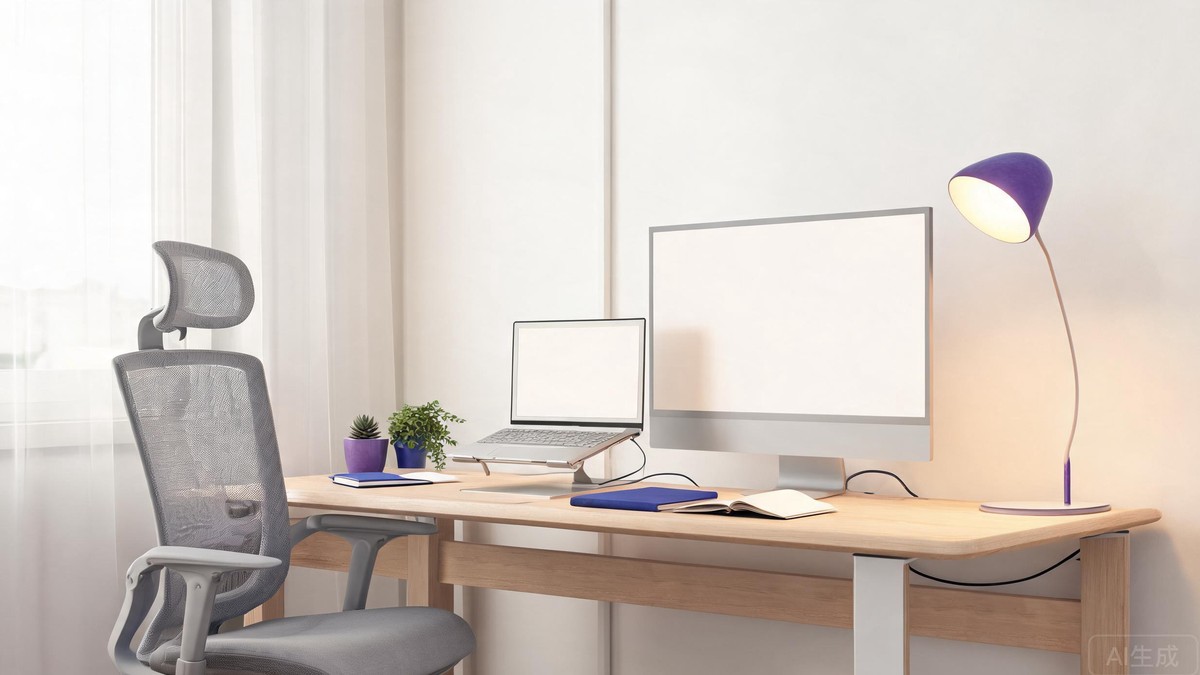
Working from home is easier when your space supports the way you actually work. A better chair, cleaner desk layout, softer lighting, and a few simple accessories can reduce daily friction without turning your room into a full office buildout.
This guide focuses on practical home office essentials that are useful for most people: remote workers, students, freelancers, and anyone who spends several hours a day at a desk.
Start with the chair and desk height
The biggest comfort gains usually come from posture. A supportive office chair helps more than almost any desk gadget, especially if you work for long blocks of time. Look for adjustable seat height, lumbar support, and armrests that let your shoulders relax instead of lifting toward your ears.
If a new chair is not in the budget, a seat cushion or lumbar pillow can still improve an older chair. The goal is simple: your feet should rest flat, your knees should be close to a right angle, and your screen should be high enough that you are not looking down all day.
Browse ergonomic office chairs on Amazon.
Use a monitor stand or laptop riser
A laptop sitting flat on a desk encourages neck strain. A laptop stand, monitor riser, or simple desk shelf can lift the screen closer to eye level. Pairing it with an external keyboard and mouse makes the setup feel much more natural.
For small desks, choose a foldable laptop stand or a monitor riser with storage underneath. That extra space can hold notebooks, chargers, or a compact keyboard when the desk is not in use.
Browse laptop stands on Amazon.
Improve lighting before buying more gear
Poor lighting makes a workspace feel tiring even when the furniture is fine. A desk lamp with adjustable brightness can help during early mornings, evenings, and video calls. Warm light feels calmer, while cooler light can help with focus during detail-heavy work.
If you take video meetings, place the light in front of you or slightly to the side. A lamp behind you usually creates shadows and makes the camera image look worse.
Browse adjustable desk lamps on Amazon.
Keep cables under control
Cable clutter makes a desk feel messy even when everything is technically organized. Cable clips, Velcro ties, and a small under-desk tray can keep charging cables from sliding onto the floor. A compact power strip with USB ports can also reduce the number of adapters around your workspace.
Do not overcomplicate this part. The best cable setup is the one you can maintain after a busy day.
Add one focus-friendly accessory
Some accessories are worth adding only if they solve a specific problem. Noise-reducing headphones help if your home is loud. A desk mat helps if your mouse area feels cramped. A small whiteboard helps if you plan visually. Choose the item that removes a daily annoyance rather than buying everything at once.
Final thoughts
A comfortable home office does not need to be expensive. Start with posture, screen height, lighting, and cable control. Once those basics are handled, small upgrades feel more useful because they support a workspace that already works.
As an Amazon Associate, MySaveJoy earns from qualifying purchases. Prices are approximate and may vary.